100% Secure & Private
Unlike most online converters, this block poster maker renders everything locally in your browser. Your high-resolution files are never uploaded to a server, and nothing is stored after you close the tab.
Turn Any Image Into a HugeBlock Poster
Upload your image, adjust paper margins and overlap guides, crop it in real time, and download a print-ready PDF that tiles into one giant poster.
Made for big ideas · Print it at home, one page at a time
A block poster is one very large picture printed across several ordinary sheets of paper. Each sheet carries a piece of the image, and when you line the pages up in a grid and tape them together, the pieces join into a single continuous print. The technique is sometimes called tiled printing, rasterbating or a multi-page poster, and it exists for one practical reason: home printers only accept A4, A3 or Letter paper, but a classroom wall, a shop window or a birthday backdrop needs something much bigger.
This block poster maker builds that file for you. You pick a paper size, decide how many pages wide and high the grid should be, and the tool slices your image into exactly that many pages. Every page is sized to the paper you chose, with a printable margin around the edge and an optional overlap band where neighbouring sheets meet. The result downloads as a single PDF: one specification sheet followed by one page per tile, each stamped with a row and column coordinate so you always know where it belongs.
Why This Is the Ultimate Block Poster Maker
Everything you need to turn a normal photo into a huge physical print, without paying for wide-format printing or handing over your files.
Unlike most online converters, this block poster maker renders everything locally in your browser. Your high-resolution files are never uploaded to a server, and nothing is stored after you close the tab.
Because your own computer does the work, you can load massive panoramic photos or 100MB graphics. There is no upload queue, no 5MB cap and no bandwidth meter counting against you.
Overlap guides run from 0 to 20mm with a live visual preview. Every exported sheet carries a printed coordinate stamp, so stitching the panels together is a matter of matching numbers.
Follow this sequence to turn ordinary home pages into one seamless large-format poster.
Drop your picture into the workbench. Use the visual box handles to choose exactly which part of the frame belongs in the slicing matrix.
Adjust pages wide and high, control printer cutoffs with the margin setting, and add overlap guides to give yourself gluing edges.
Export the PDF, then lock your printer to Actual Size. Scaling the page to fit the paper will throw off every measurement in the grid.
Arrange pages by their corner labels (1-1, 1-2). Trim one overlapping edge, align it with the neighbouring sheet, then glue or tape.
Educators, party planners and home decorators use this free poster maker to bring large-scale visual ideas to life.
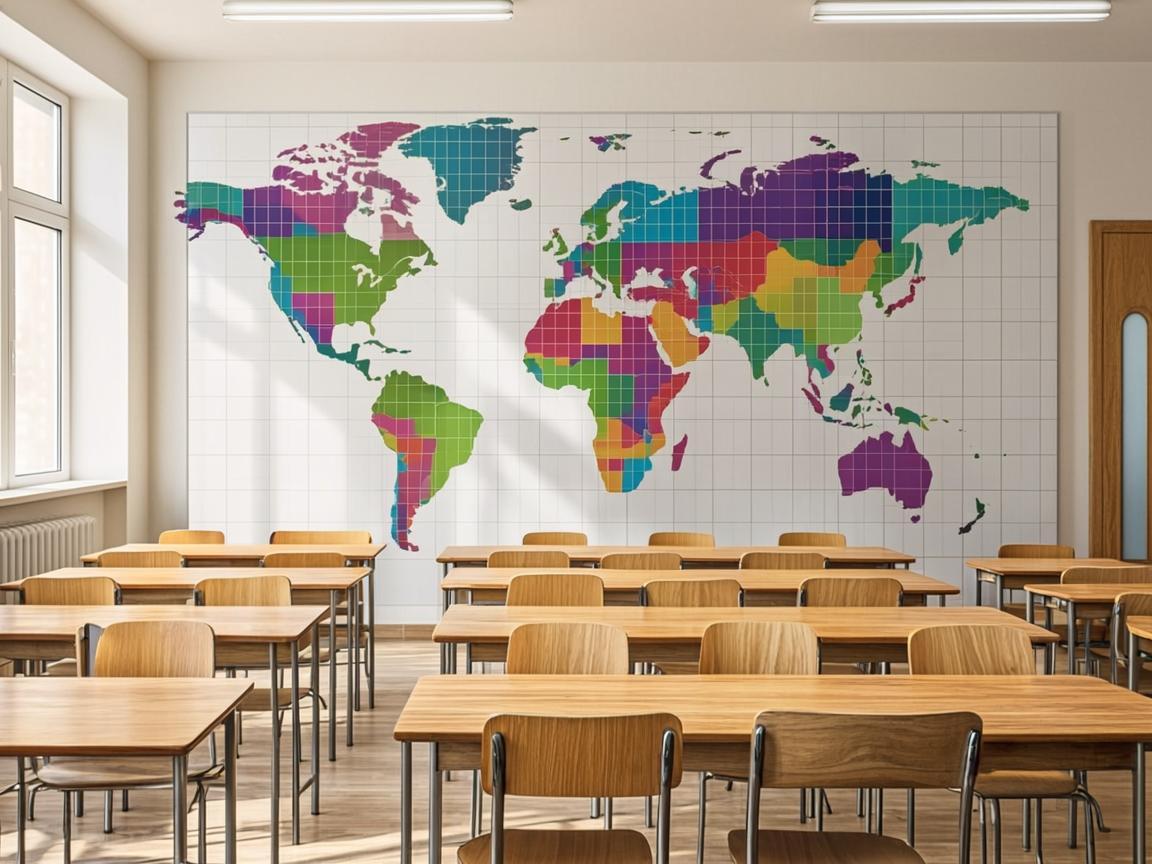
EducationTurn digital maps, diagrams and study guides into a wall-sized classroom display using nothing but a standard home printer. Tiled together, ordinary sheets assemble into a high-impact teaching aid at a fraction of the cost of professional wide-format printing.
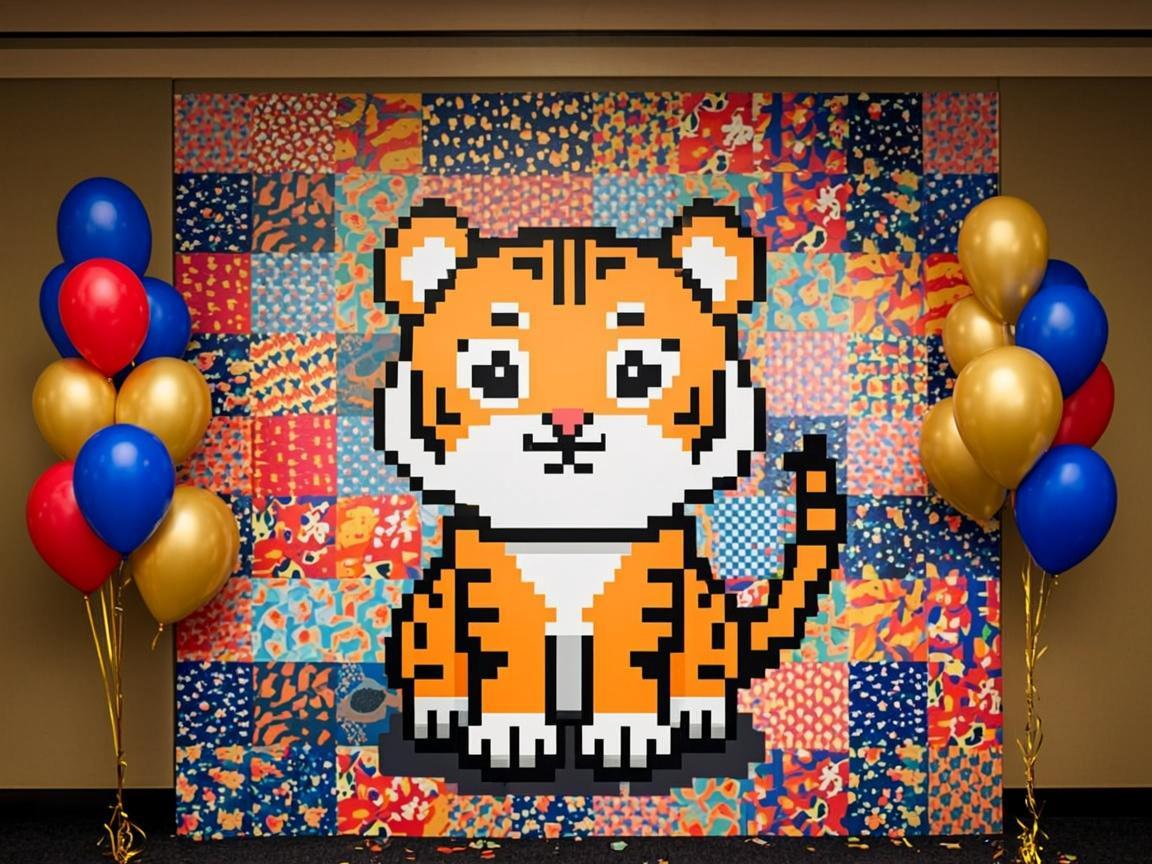
Parties & EventsCraft a birthday backdrop, a wedding welcome banner or a decorative panel from your own desktop. Pair a custom grid with a 300 DPI export and the assembled poster stays crisp even when guests are standing right next to it.
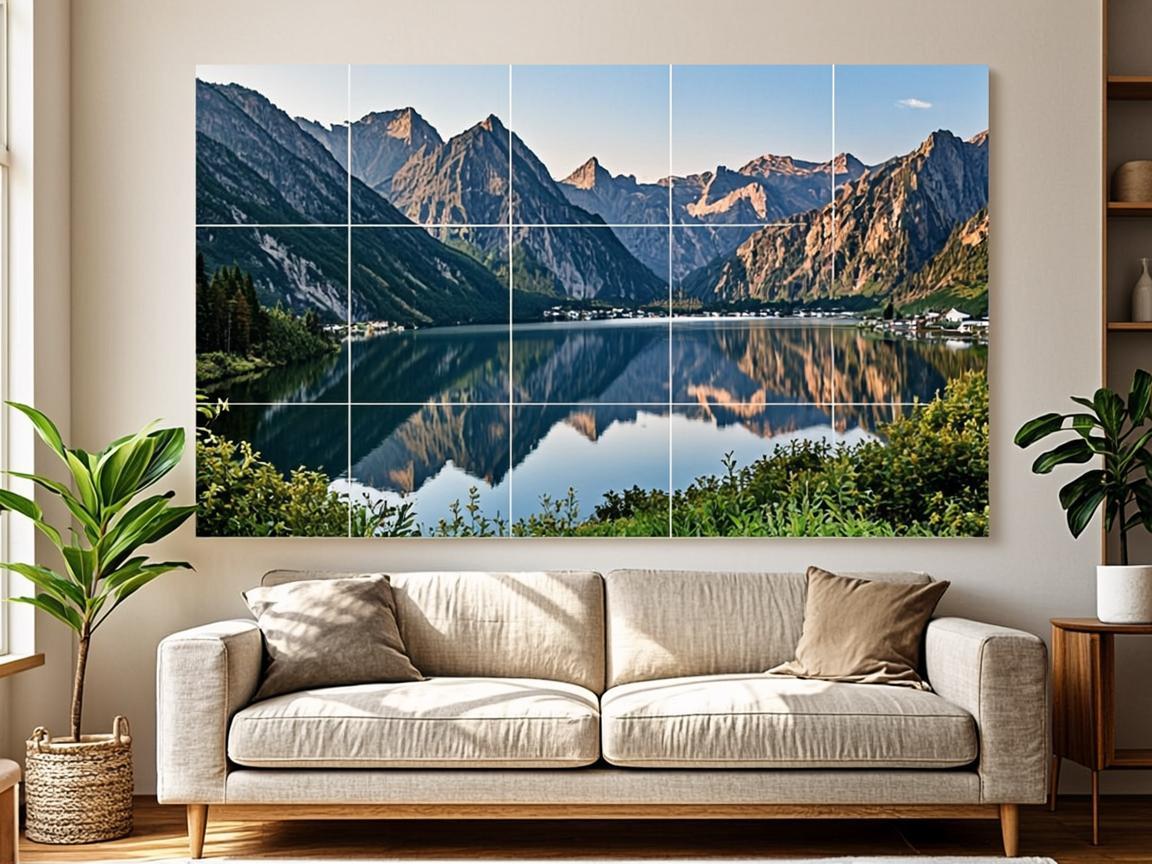
Home DecorTransform panoramic photography, landscape shots or personal graphics into a multi-panel mural. You keep full control over margins, scale and crop boundaries, and your original files never leave the device.
A free tool built for a diverse, creative community of makers.
Scale up a diagram, a map, a classroom chart or an alphabet wall without exhausting a department budget.
Mock up a massive print for a portfolio presentation or an exhibition plan, and judge the spatial scale before committing to an install.
Design a birthday backdrop, print a giant family portrait, or build oversized paper crafts with the kids on a rainy afternoon.
The controls that matter when a picture has to survive being printed at wall size.
A4, A3 and US Letter, in portrait or landscape. The preview and the PDF use the same millimetre values, so what you configure is what comes out of the printer.
Every change to the grid, margin or overlap redraws the preview immediately, including the coordinate chips and the shaded overlap bands.
A pointer-driven crop box with four corner handles lets you keep the subject and drop the clutter, without opening a separate image editor.
The PDF opens with a specification sheet covering grid, final size and assembly steps, followed by one numbered page per tile at up to 300 DPI.
Small decisions that save a lot of tape and trimming later.
A three-by-three grid on A4 already needs a wide image. The print quality pill estimates your effective DPI before you export — aim for 150 or higher for a crisp result.
Send sheet 1-1 to the printer before committing to the whole batch. It confirms both the colour and the actual printed size in a single sheet.
A 10mm overlap gives you room to trim and align. Printing with no overlap leaves no margin for error, and paper edges are never perfectly straight.
A3 halves the number of sheets but needs a printer that accepts it. If you only have A4, a four-by-four grid is usually the practical maximum for a home wall.
Cut the top and left margins off each sheet first, then work row by row. Trimming as you go tends to produce a straighter result than trimming everything up front.
Drag in your graphic, configure the print grid, and generate your printable PDF in seconds.
Get Started — It's FreeNothing. The tool is completely free, requires no email registration, and adds no watermark to the sheets you download. It is meant to be an accessible DIY option for teachers, artists, families and anyone else who needs a large print without a large print budget.
Because the maker runs entirely in your browser, your images are never sent to a remote server. That protects your privacy and also removes the upload bottleneck, so even a very high-resolution photo is sliced at local disk speed rather than your connection speed.
A4, A3 and US Letter, in both portrait and landscape orientation. The grid engine recalculates the physical dimensions of the finished poster as soon as you change the paper, the margin or the overlap, so you can see the real wall size before printing anything.
Yes. The overlap slider goes up to 20mm, and the preview shades each overlap zone with a dashed ochre band so you can see exactly where neighbouring pages will sit on top of each other.
The print quality pill shows the effective DPI for your current crop and grid. Below roughly 90 DPI the poster will look soft at close range, 150 DPI is a good target for a wall print, and 300 DPI is worth choosing for something viewers will stand right next to.
Yes. The PDF uses standard paper sizes, so any print shop can handle it. Just tell them to print at 100% scale without any fit-to-page adjustment, otherwise the pages will no longer line up with each other.
Nothing is stored. The image is read into memory, used to draw the PDF, and released when you close or reload the tab. There is no account, no cloud copy and no server-side record of what you uploaded.